

 All news is rigorously fact-checked and reviewed by leading blockchain experts and seasoned industry insiders.
Trezor One Review 2025: The No-Nonsense Entry to Self-Custody
If you want a trusted, open-source hardware wallet without paying for bells and whistles, the Trezor One remains a smart pick. It delivers a clean, cable-only workflow, on-device confirmations, and broad compatibility at a beginner-friendly price.
You won’t get a certified secure element (SE), Bluetooth, or a touchscreen—but you do get transparency, mature software (Trezor Suite), and a long track record. For first-time self-custody, gift wallets, or a reliable “daily driver” for BTC/ETH, the One still punches above its weight in 2025.
What’s New or Still Relevant in 2025
Despite an influx of premium devices, the Trezor One holds its niche for four reasons: price stability, uncompromising simplicity, open-source transparency, and a maturing companion app. Trezor Suite continues to streamline onboarding, adds helpful safety nudges (address verification, fee suggestions), and offers coin control for Bitcoin.
The One’s cable-only design has aged well—no batteries to degrade, no wireless radios to harden, and fewer UX edge cases for first-timers. As networks evolve (e.g., Bitcoin Taproot usage expanding, Ethereum account tooling improving), firmware and Suite updates keep the One relevant without changing its fundamentals.
Setup & Your First 10 Minutes
Unbox, connect via USB, launch Trezor Suite, and choose “Create new wallet.” The device guides you through generating a 12 or 24-word recovery phrase entirely on the device. You write it down, verify a few words on the screen, then set a PIN on-device. Within minutes, you can receive your first transaction.
The Suite interface is intentionally uncluttered—clear account tiles, network selectors, and a prominent “Receive” button. For Ethereum and tokens, add accounts as needed; for Bitcoin, you can enable coin control later when you’re ready to manage UTXOs granularly.
Security Model: Open by Design
The Trezor One does not include a certified secure element. Instead, it relies on a hardened microcontroller and an open-source firmware/bootloader stack that can be audited, reproduced, and verified by the community.
Private keys never leave the device; sensitive actions (seed display, PIN entry, passphrase prompts) happen on the One’s screen and are confirmed with its two buttons. No radios are present—no Bluetooth, Wi-Fi, or NFC—minimizing remote attack surfaces.
What does this mean for you? For typical retail holders, the biggest threats are phishing, malware, and poor seed handling—not sophisticated lab attacks. The One addresses those everyday risks by forcing on-device address verification, requiring physical confirmation for spending, and leaning on Suite’s anti-phishing guardrails.
If your threat model demands tamper-resistant secure elements or enterprise-grade attestations, you’ll want to look at devices with SE chips. But for many beginners and long-term investors, the One’s design offers a transparent, predictable trust profile.
Backup & Recovery: Keep It Simple, Keep It Safe
The Trezor One supports standard BIP39 mnemonics—choose 12 or 24 words. For most beginners, 12 words plus a strong PIN is adequate. If you’re securing larger holdings, 24 words with an additional passphrase (creating a hidden wallet) adds resilience: even if someone finds your written words, they can’t access funds without the passphrase.
Store backups in physically separate locations and never digitize them (no photos, cloud, or email). For durability, consider a metal seed plate to protect against fire and water damage.
Test your recovery: after you fund the wallet with a small amount, try a dry-run restore on a spare device or a compatible simulator to validate your backup procedure.
Daily Use: Sending, Fees, and Updates
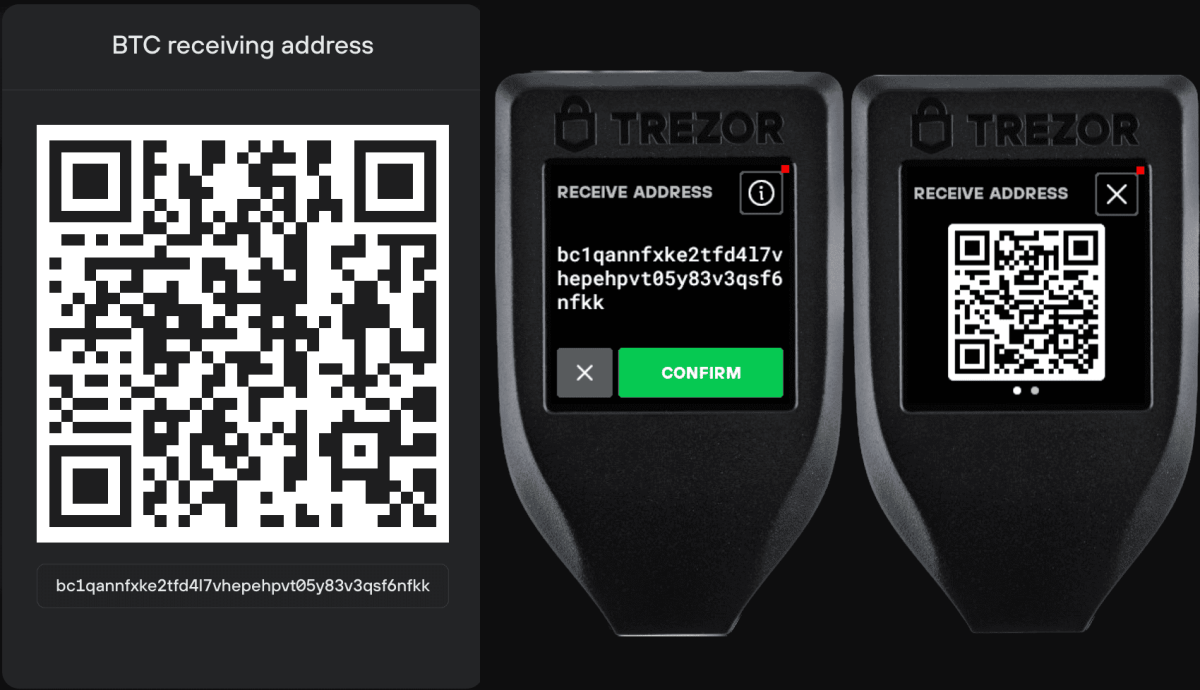
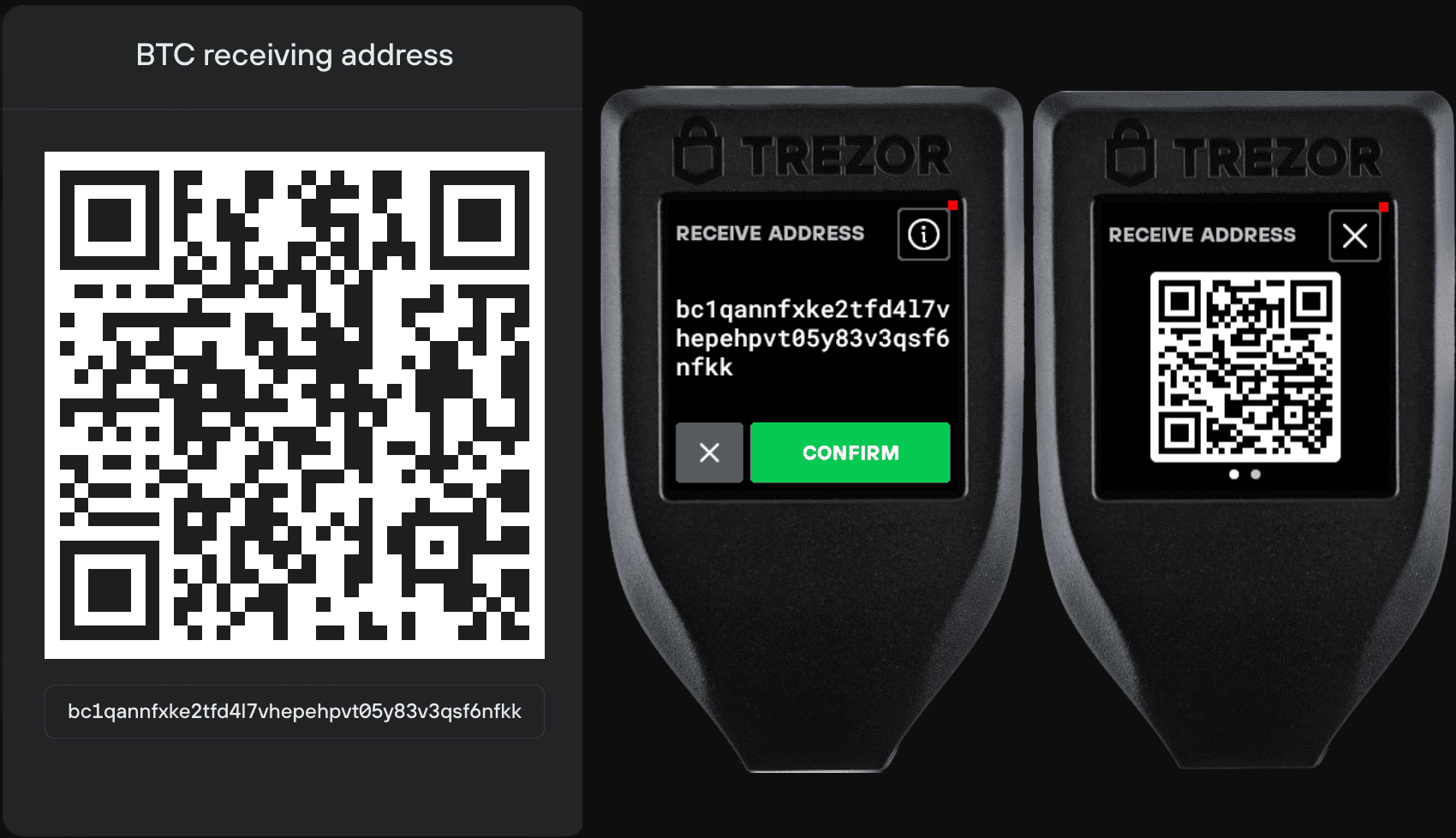
Receiving funds is straightforward: generate a new address in Suite and verify the same address on the device screen before sharing it. When sending, Suite displays the transaction details, but you should always confirm the exact recipient and amount on the Trezor One’s display; approve with the physical buttons.
For Bitcoin, you can select fee levels or set custom fees if you understand mempool dynamics. For Ethereum and tokens, gas controls are exposed with plain-English hints to avoid stuck transactions. Firmware updates arrive through Suite; the device itself confirms the process to prevent spoofing or malicious downgrades.
Asset Support & Integrations
The Trezor One supports Bitcoin, Ethereum and ERC-20 tokens, Litecoin, and other major networks. In Suite, Bitcoin power users get coin control and PSBT workflows; Ethereum users can manage tokens and connect to Web3 via compatible bridges.
NFT display and certain staking flows often rely on third-party apps or browser wallets; the One plays nicely with popular clients (e.g., Electrum, Sparrow for BTC; MetaMask via bridges for EVM). This wallet-agnostic flexibility is a strength: you can swap front-ends as your needs evolve while the keys stay on hardware.
Trezor One: Feature Snapshot
| Category | Details |
|---|---|
| Security Approach | Open-source MCU (no SE), on-device confirmations, no radios. |
| Backup Options | 12/24-word BIP39; optional passphrase for hidden wallets. |
| Connectivity | USB (wired); desktop OS support (Win/macOS/Linux); mobile via OTG. |
| Coins & Workflows | BTC (Taproot addressed via updates), ETH/ERC-20, LTC, and more; PSBT & coin control via supported apps; Web3/NFT via bridges. |
Design & Ergonomics
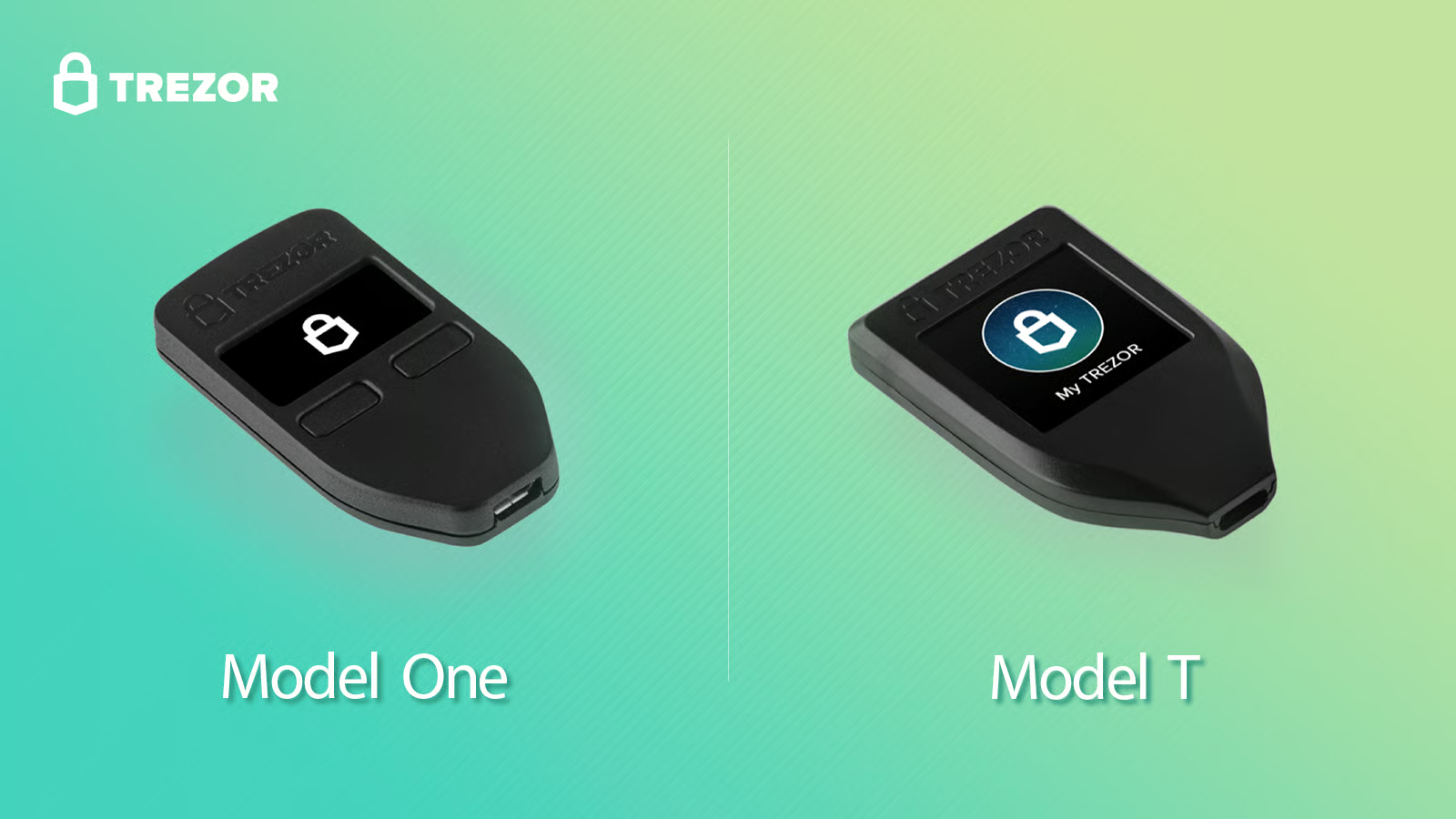
The Trezor One’s small OLED and two physical buttons are utilitarian by design. While the display won’t rival touch devices for readability, it’s crisp enough for short addresses and simple prompts. The plastic shell is light but sturdy; the device draws power from USB, so there’s no battery to charge or replace.
Because the UI is button-driven, accidental taps are rare—each approval is deliberate. For users who prefer a compact, lanyard-friendly form factor over a large touchscreen slab, the One feels reassuringly simple.
Who Should Buy the Trezor One
- First-time self-custody users who want a low-cost, low-complexity device with excellent onboarding.
- Transparency-minded holders who value open-source firmware and reproducible builds over closed secure elements.
- BTC/ETH long-term savers who don’t need a touchscreen, Bluetooth, or app-heavy workflows.
- Gift wallets & backups—as a secondary hardware wallet in a redundancy plan or for family members starting out.
Who Might Prefer Alternatives
- Users who require a certified secure element and tamper-resistance at the silicon level.
- Mobile-first users who want seamless Bluetooth/NFC workflows and companion phone apps.
- People who need touchscreen clarity or Shamir backup built in (consider a higher-end model).
Pricing & Value in 2025
Typical pricing floats around ~$69–$79 (≈£59–£69), often dipping during seasonal sales. At that level, the One competes with entry devices that may advertise a secure element or flashy extras, but few match its open-source heritage and software polish.
Total cost of ownership remains low: there’s no subscription, no battery replacement, and no proprietary cables beyond standard USB/OTG. If you prioritize transparent design and predictable UX over feature creep, the One provides outsized value for its price bracket.
Advanced Tips & Threat-Modeling
- Passphrase-protected wallets: Create a hidden wallet with a unique passphrase for higher-risk holdings. Memorize it; do not store it with your seed.
- Account separation: Use separate accounts (and even separate wallets) for daily spending vs long-term savings to minimize exposure.
- PSBT workflows: For Bitcoin multisig or complex spending policies, pair the One with desktop clients like Sparrow or Electrum and keep signing actions on hardware.
- Air-gapped hygiene: Even though the One is cabled, avoid untrusted PCs; verify hashes of Suite downloads and keep your OS clean and up-to-date.
- Physical security: Treat the device like a key. Use a PIN, keep it out of sight, and store seed backups in separate, secure locations.
Pros & Cons
Pros
- Fully open-source firmware and bootloader; long, public audit trail.
- Beginner-friendly onboarding via Trezor Suite; clear on-device confirmations.
- Great wallet-agnostic compatibility (BTC clients, EVM via bridges).
- No radios, no battery—fewer failure modes and distractions.
- Low cost of entry; ideal for first wallets and gift setups.
Cons
- No certified secure element; not for SE-centric threat models.
- No touchscreen; small OLED requires careful address checks.
- Shamir backup not supported on the One (consider higher-end siblings).
- Some NFT/staking features depend on third-party integrations.
Too Old to Buy?
The Trezor One persists because it nails the fundamentals: keys stay offline, approvals happen on-device, and the software experience is welcoming without being patronizing. It won’t satisfy those who want a certified secure element or a glossy touchscreen, but it continues to be a dependable, transparent foundation for self-custody—especially for beginners and long-term BTC/ETH holders who value simplicity. In a market full of feature-heavy gadgets, the One remains a minimalist’s friend and a sensible first step into hardware wallets.